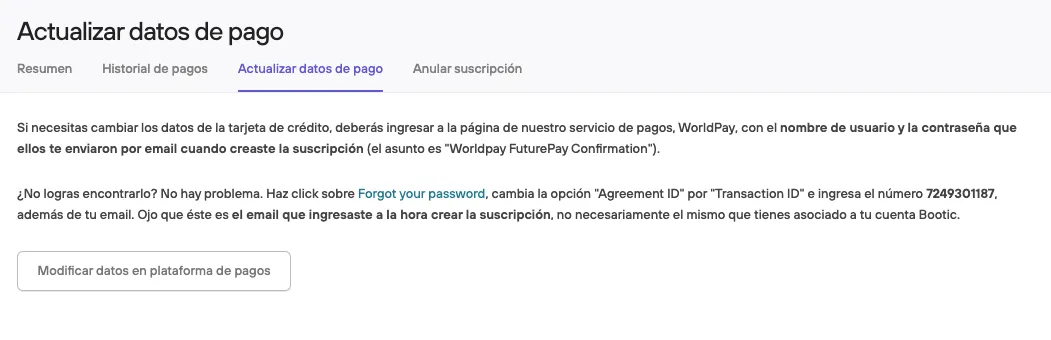
Activate or change my Bolder plan

In the Administration panel, click the user icon at the top of the sidebar, and select Activate my account (if you are in trial mode) or My account (if you are already subscribed to a plan)
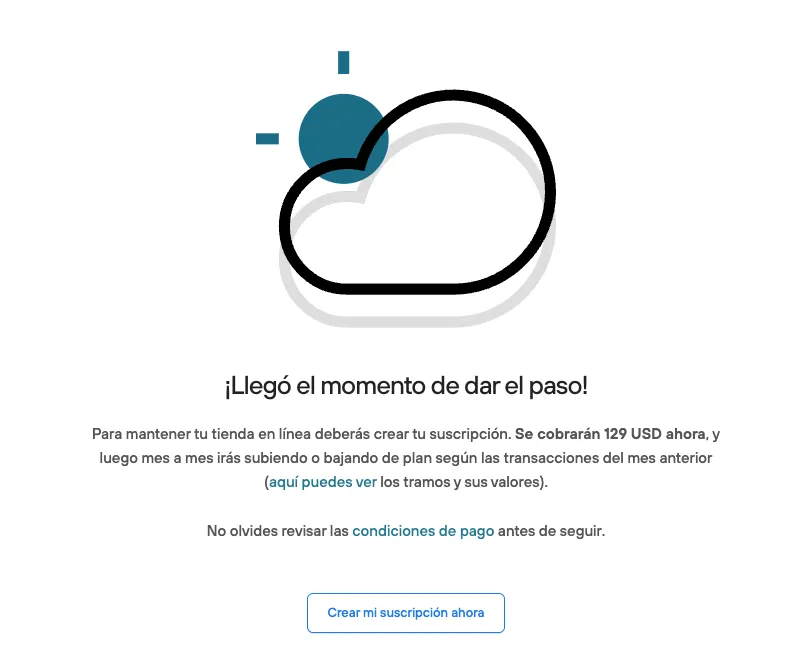
If you want to activate your account, a message will appear with the steps to follow
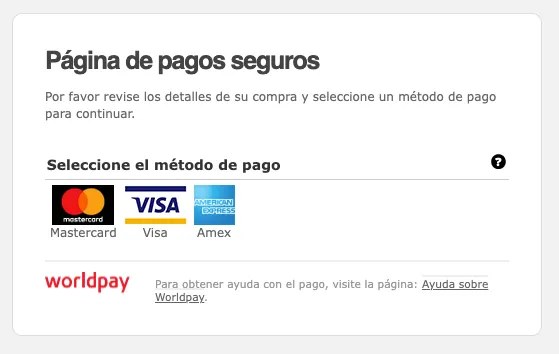
Bolder uses [RBS WorldPay](0 (in English) to receive your payment. When you pay, you will also be creating an account in this system for your future payments.
Bolder does not issue an invoice for your plan payment, but the payment invoices (receipts) can be used to justify expenses in your accounting. Every month we send you an email and a PDF with the charge to your credit card.
On the other hand, if you want to change your subscription, you will find this and more information in the My account section