

Activating the Facebook Pixel
Pixel
The Meta or Facebook pixel is a piece of JavaScript code that lets you track the activity of visitors to your website. It works by loading a small library of functions that you can use when a site visitor takes an action (called an event) that you want to track (called a conversion).
Steps to set up the pixel and events on your site
To connect the Facebook pixel to your Bolder site you need the following information
- The first step is to get your Pixel ID a very long number like this:
304710170553521(You get this ID once the Pixel is already created in Facebook) - You also need the API access token. In Events Manager you must generate the access token.
- Go to your store’s components
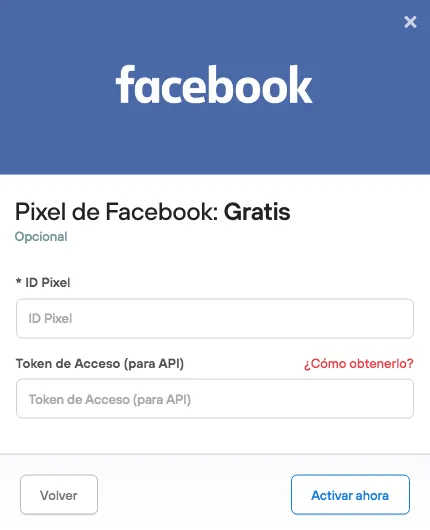
To check that the installation worked, go to the management console that Facebook provides.
That’s it. We hope this information is useful for your business!