

Install and set up Google Tag Manager in my store
To turn on this integration:
- Log in to the Bolder admin panel.
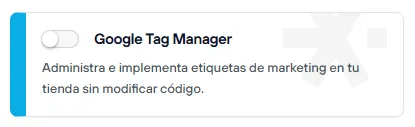
- Go to the Addons and Integrations section, in the Selle Storefront category, and turn on Google Tag Manager
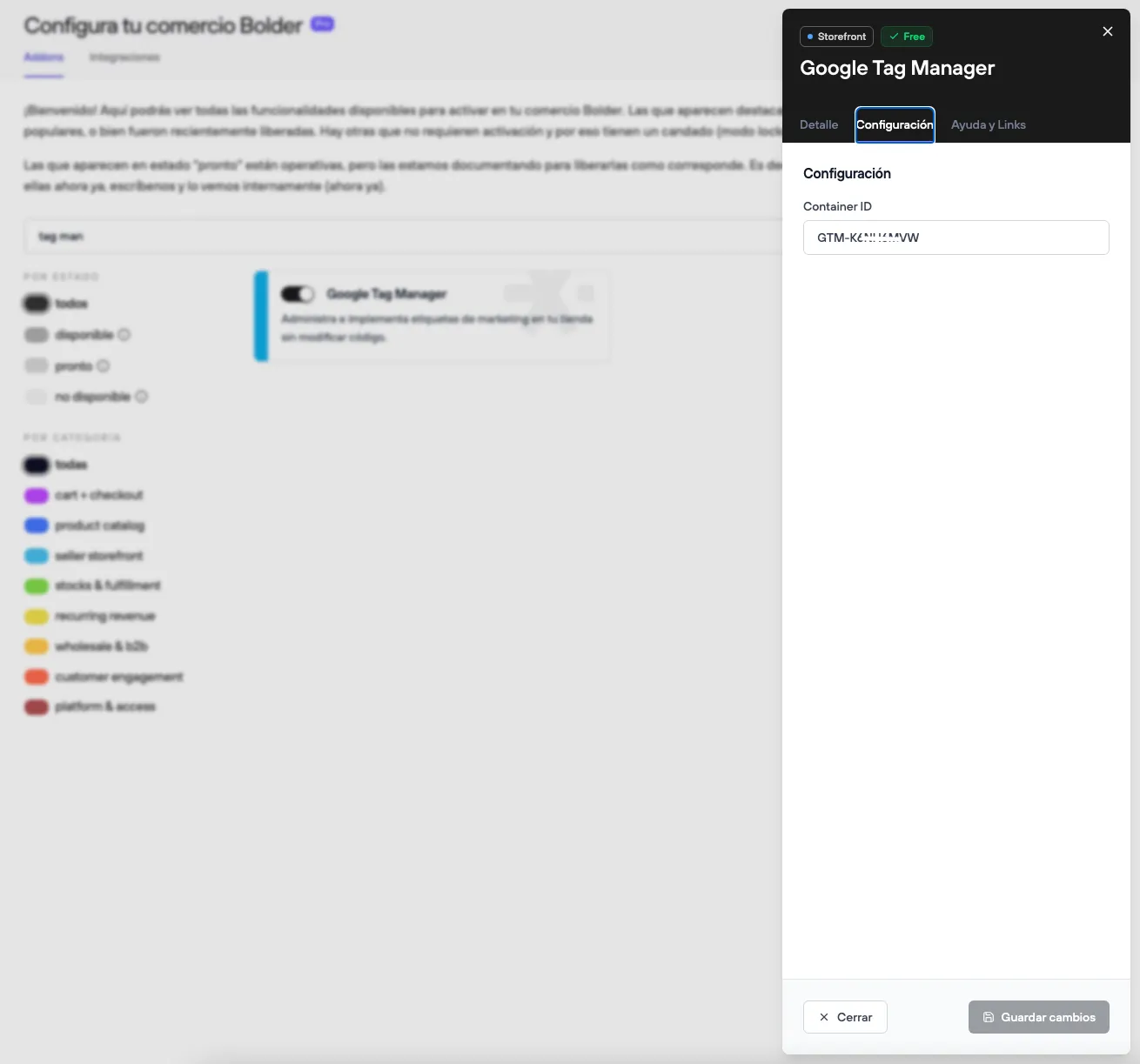
- Once it is on, go to Settings, add the measurement ID of your account, and save the changes.
And that’s it! — you now have GTM active in your store.
You can find the ID by opening your Tag Manager workspace; it starts with the value GTM-xxxx
