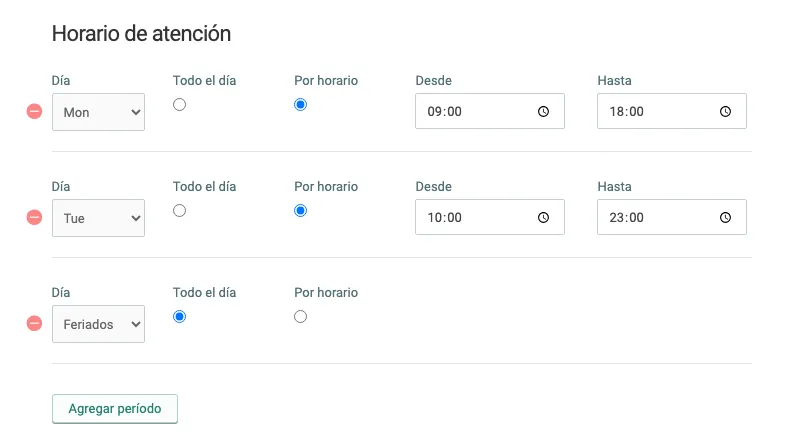
Set up opening hours
If your business has one or more physical stores, it is essential to keep the information for each of them up to date to make the buying process easier for your customers and potential customers.
From your Bolder store panel, you can set up all this information easily, from the Panel > in Preferences > Branches.
To define the opening hours, you can add the corresponding days of the week, along with the time windows during which your shop/warehouse/office is open to the public. Here you can also add exclusive time windows for in-store order pickup, including the option of hours on holidays.