Preferences: Delivery options
When you log in to the admin > in the Preferences section > Purchase options, you can review and set up the pickup and delivery information for your products: General delivery options, branches, delivery hours, chosen delivery windows, shipping options and costs, and calendars.
General delivery options
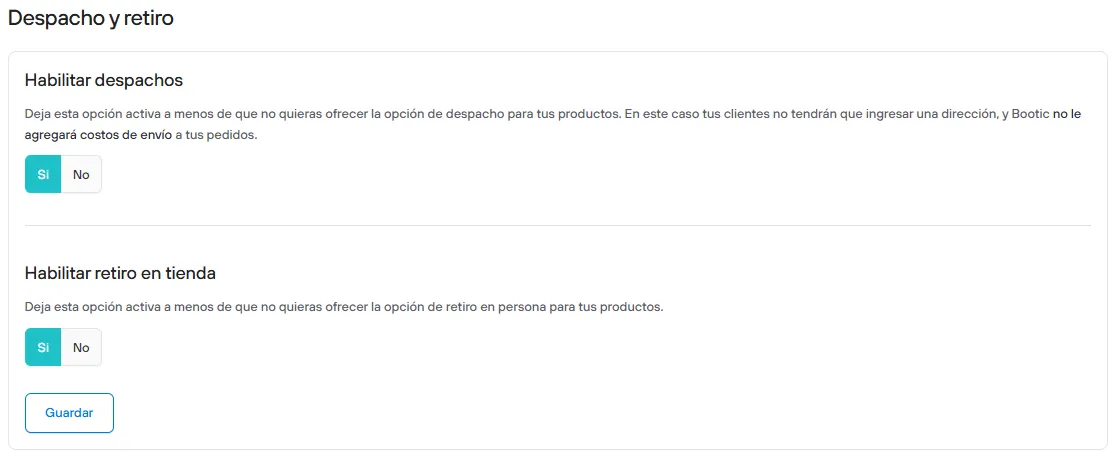
Shipping and pickup
- Enable shipping
Leave this option on unless you do not want to offer shipping for your products. In that case your customers will not have to enter an address, and no shipping costs will be added to your orders.
- Enable in-store pickup
Leave this option on unless you do not want to offer in-person pickup for your products.
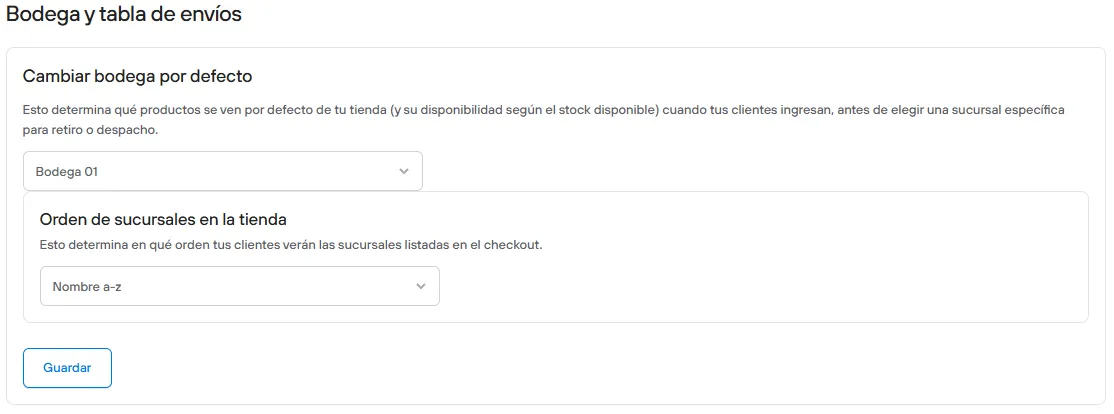
Warehouse and shipping table
This determines which products are shown by default in your store (and their availability based on available stock) when your customers arrive, before choosing a specific branch for pickup or shipping. This option is only available for stores with more than one warehouse.
This determines the order in which your customers will see the branches listed at checkout.
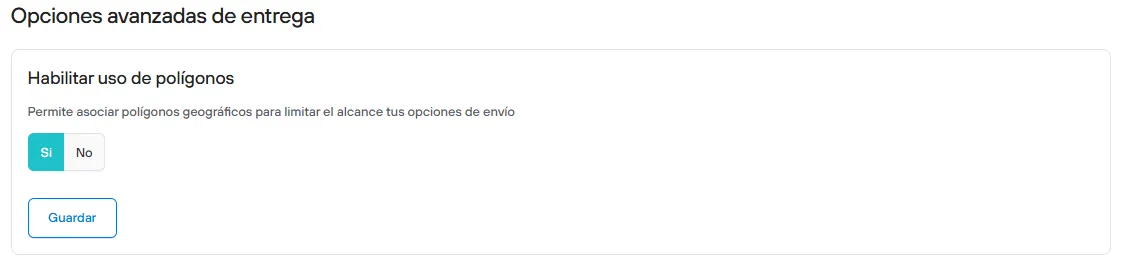
Advanced delivery options
- Enable polygons
Lets you link geographic polygons to limit the reach of your shipping options. See here how to create your polygons.
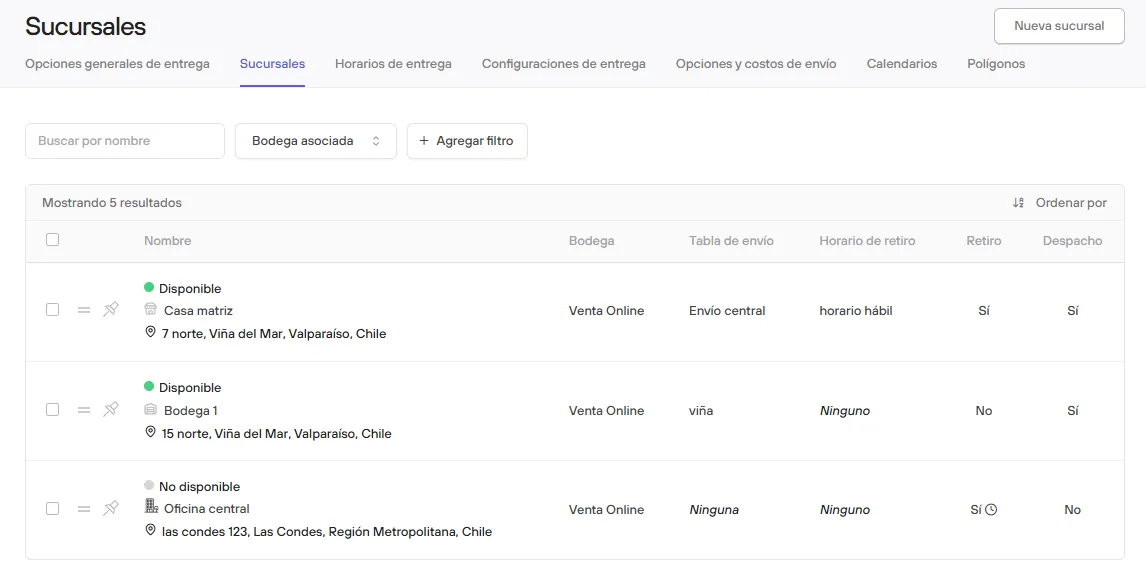
Branches
In this section you can set up your business’s branches (whether store, office or warehouse), so you can offer your customers the option to pick up their purchase in person, as an alternative to shipping.
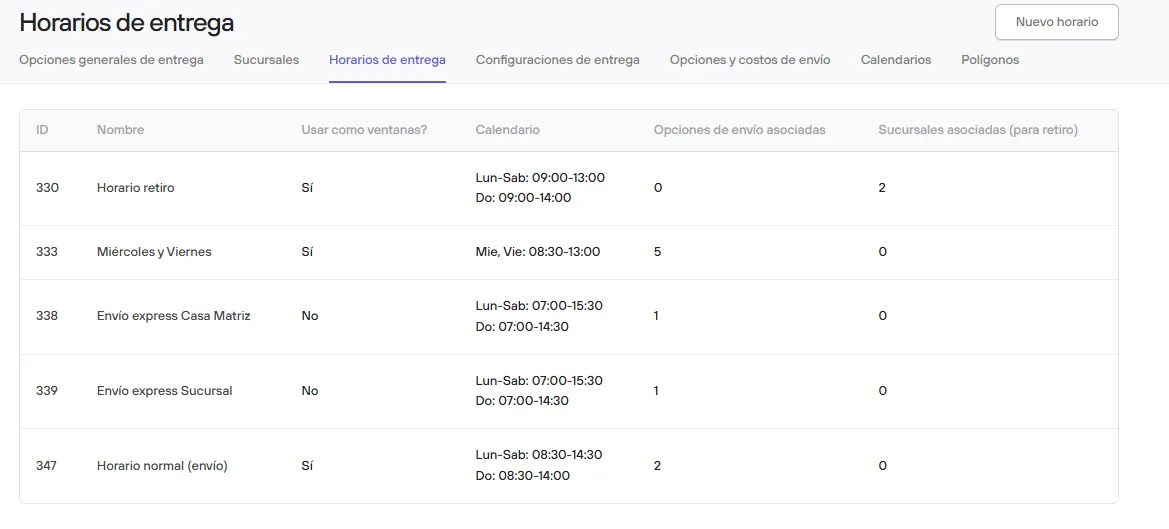
Delivery hours
You can define a weekly delivery schedule and set up windows or time availability that you would like to offer your customers for delivering their orders
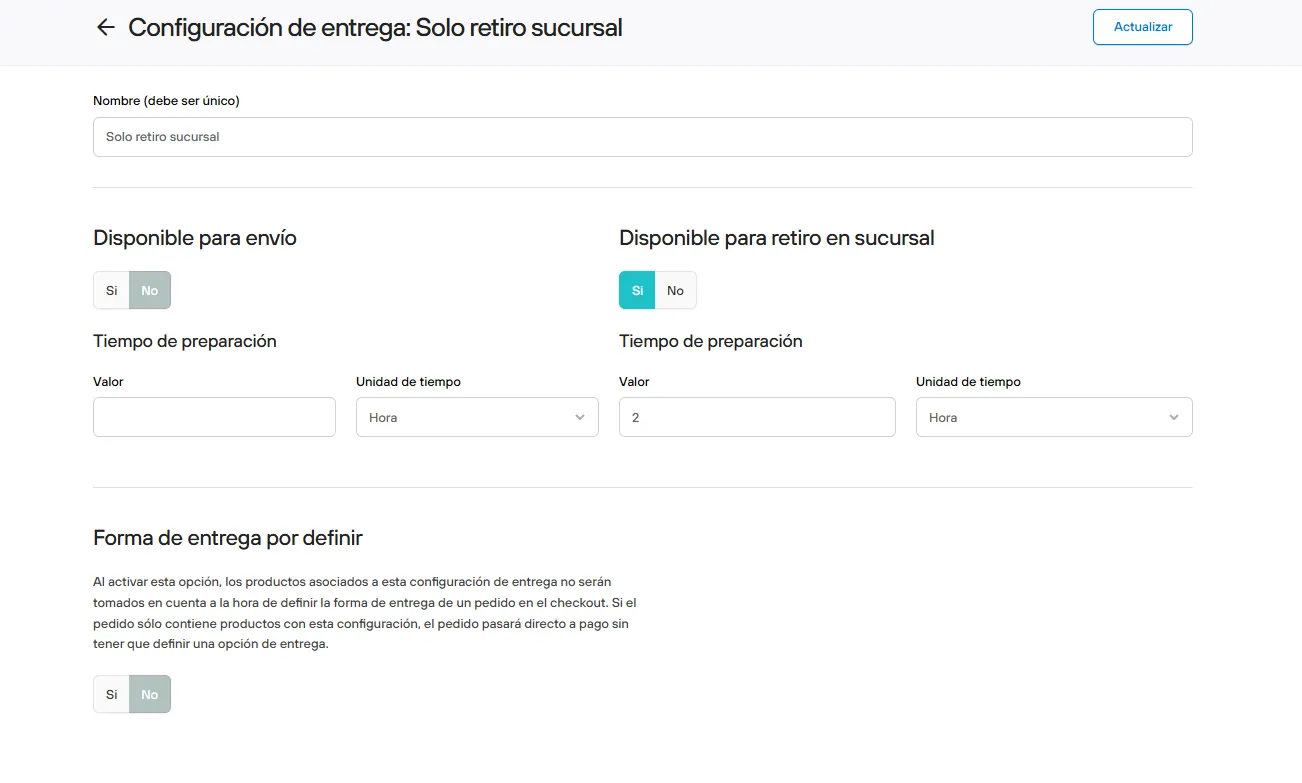
Delivery settings
Settings specific to products.
When you turn this option on, the products linked to this delivery setting will not be taken into account when deciding the delivery method of an order at checkout.
You can set shipping availability, pickup availability and the associated preparation times.
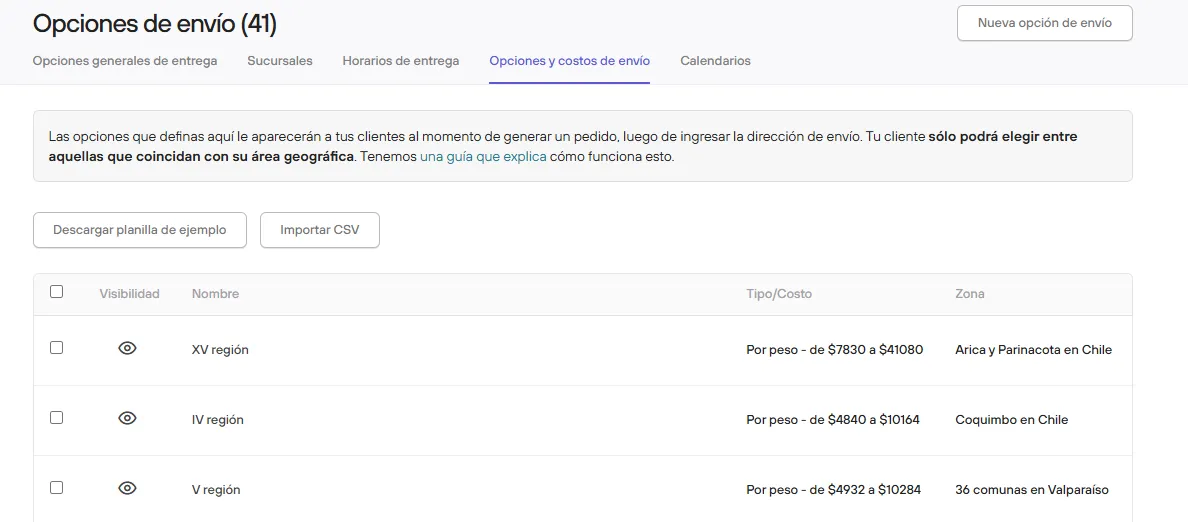
Shipping options and costs
Shipping tables
If you have multiple branches, you can have shipping tables, which hold the different shipping options that will be linked to the corresponding branch or branches.
Shipping options
In this section you can set up the different shipping options your customers will see when placing an order, after entering the shipping address. Your customers can only choose among those that match their geographic area.
Calendars
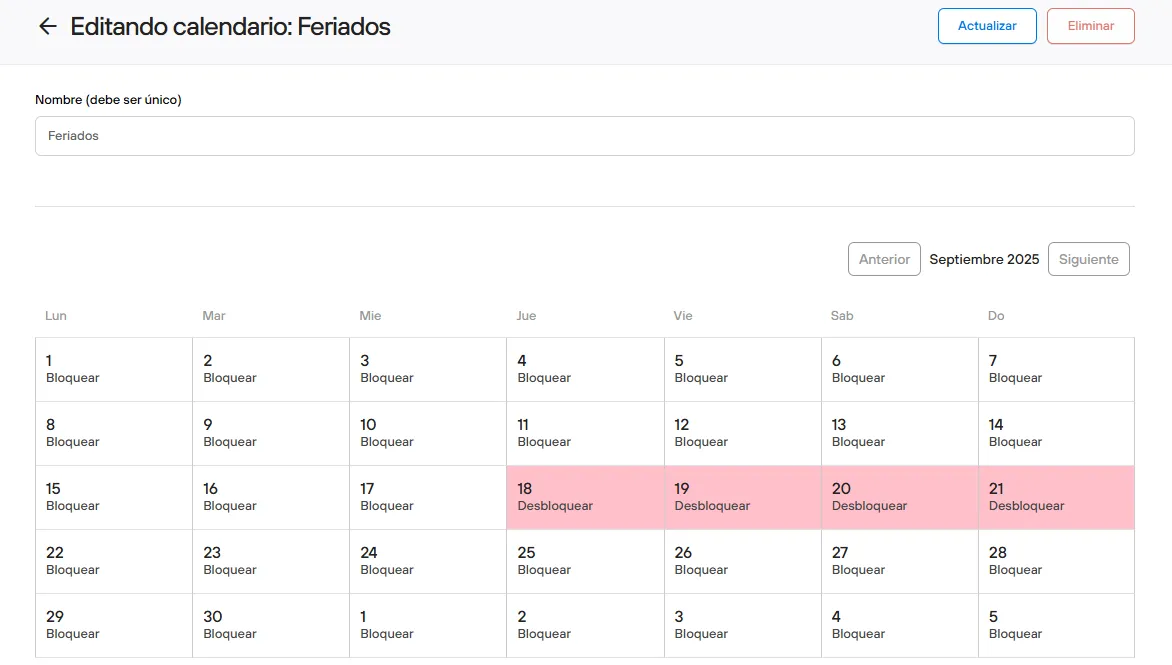
Here you can create calendars in which you can block dates.
This can apply to hours (and through them to the shipping option), promotions, and branches.