

Blog Posts
Posts, or content entries, are meant to share knowledge, build community, talk about topics that matter to your business, and improve your site’s ranking and visibility.
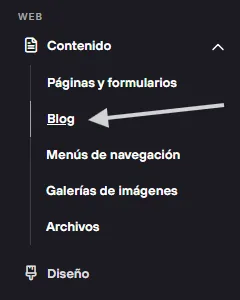
From the admin panel > in the Content section > go to Blog. Here you can create and review all your posts.
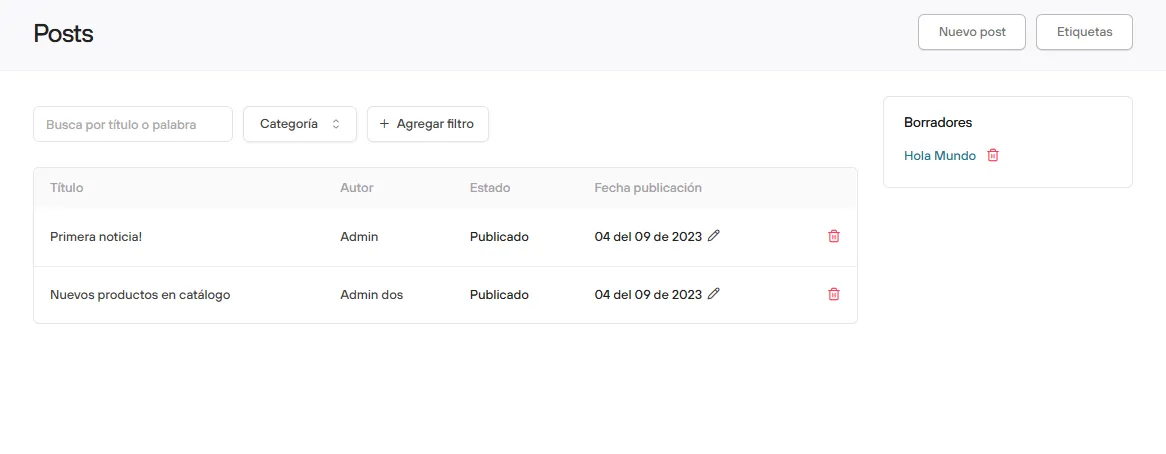
When you open this section you will find a couple of examples (which you can delete without any problem), along with the button to create a New post and the Tags button.
Posts are shown in reverse chronological order, which means the newest posts appear at the top and push the earlier ones down.
When you create a new post you will find the editor, where you can enter the title, the description and the body of the post. Besides text, you can upload images and videos.
Then you can decide whether to save a draft for review or publish it right away.
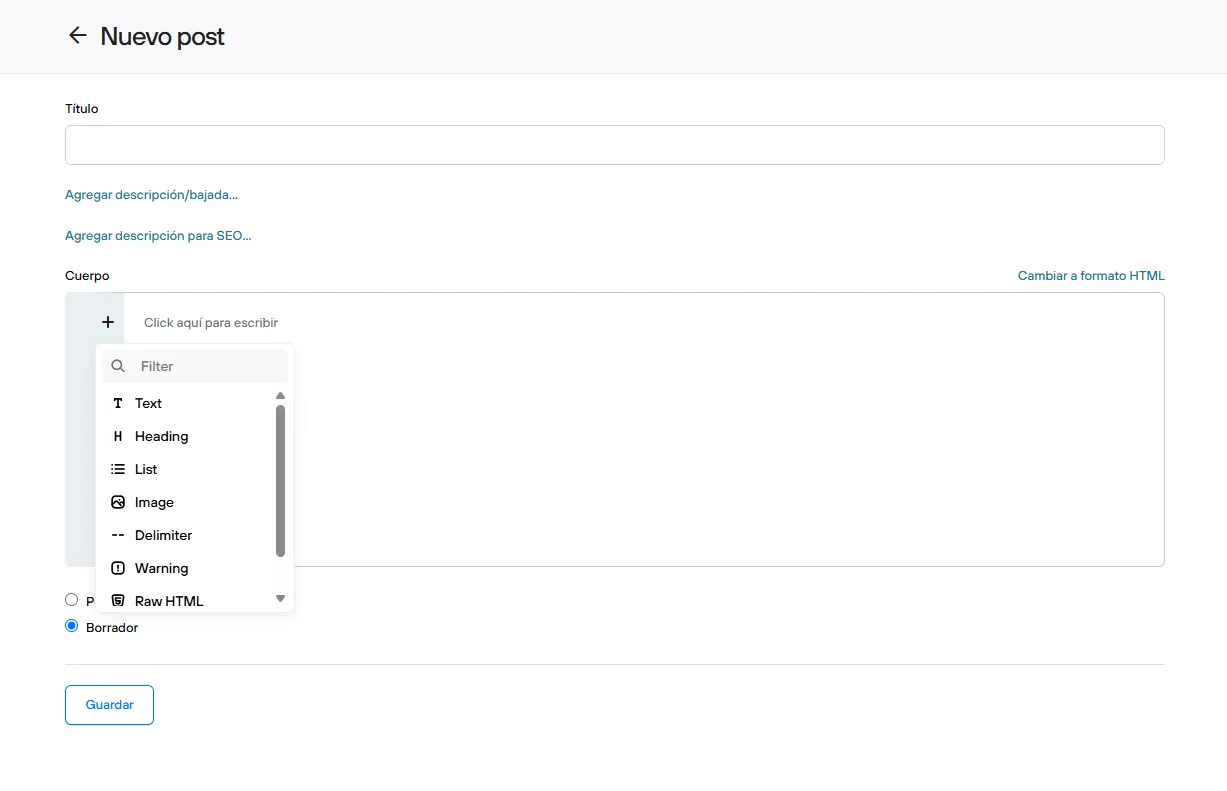
To see each of the features of the blog’s block editor, you can check it here.
Each post you create can have a tag, which lets you categorize or tell apart the content you create, either for internal management or to filter in your store.