

Publish a YouTube video in your Bolder store
Here is how to “publish” a video hosted on YouTube.
All video hosting services let you embed videos in another web page. If your service is not YouTube, check its documentation.
Step 1: Upload the video to a YouTube account
The first step is to upload the video to YouTube.
Step 2: Choose the Embed option
To embed the video in a Product, Post or Page of your Bolder store, go to the video you just uploaded to YouTube and look for the “Share” link / “Embed”.
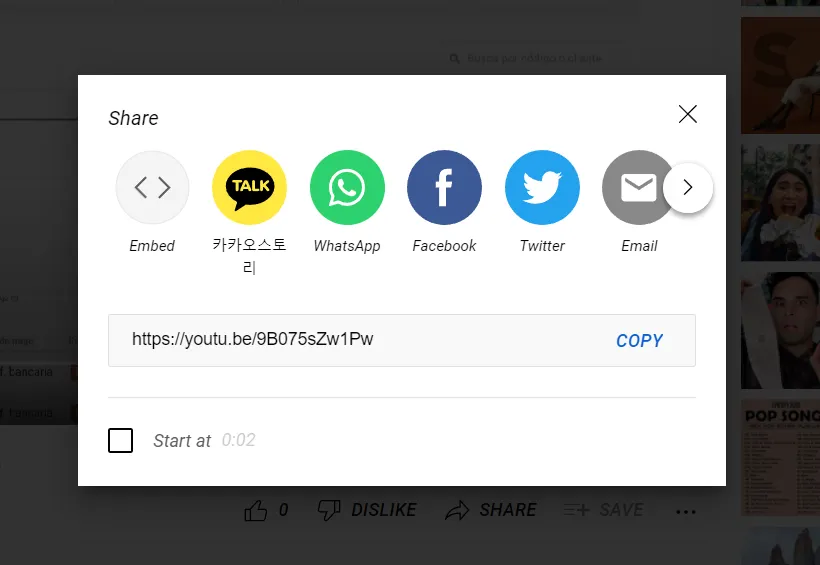
Getting the embed code
Step 3: Copy the code
Copy the <iframe> code that YouTube shows you. Keep in mind that you can customize the size of the video by clicking “Show more”.
To change the available sizes, you only need to edit the HEIGHT AND/OR WIDTH in that same <iframe> code you copied.
Step 4: Embed the video
The video you uploaded to YouTube can be embedded in:
- A product description
- A Post
- A Page
- A collection or product type.
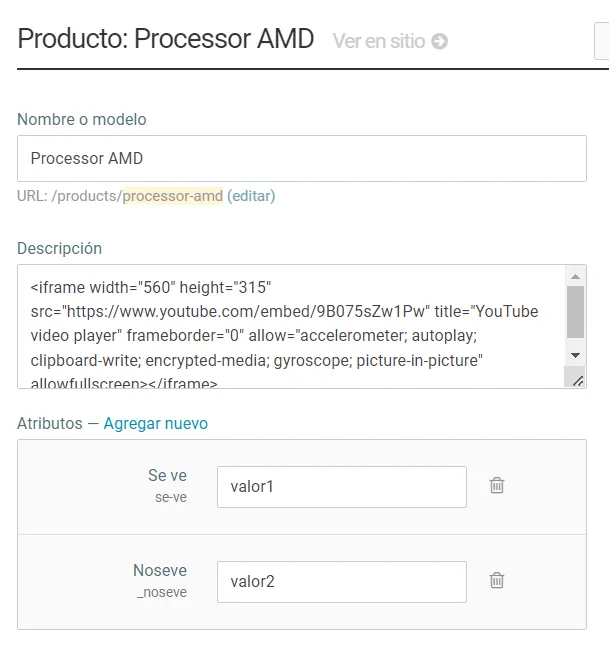
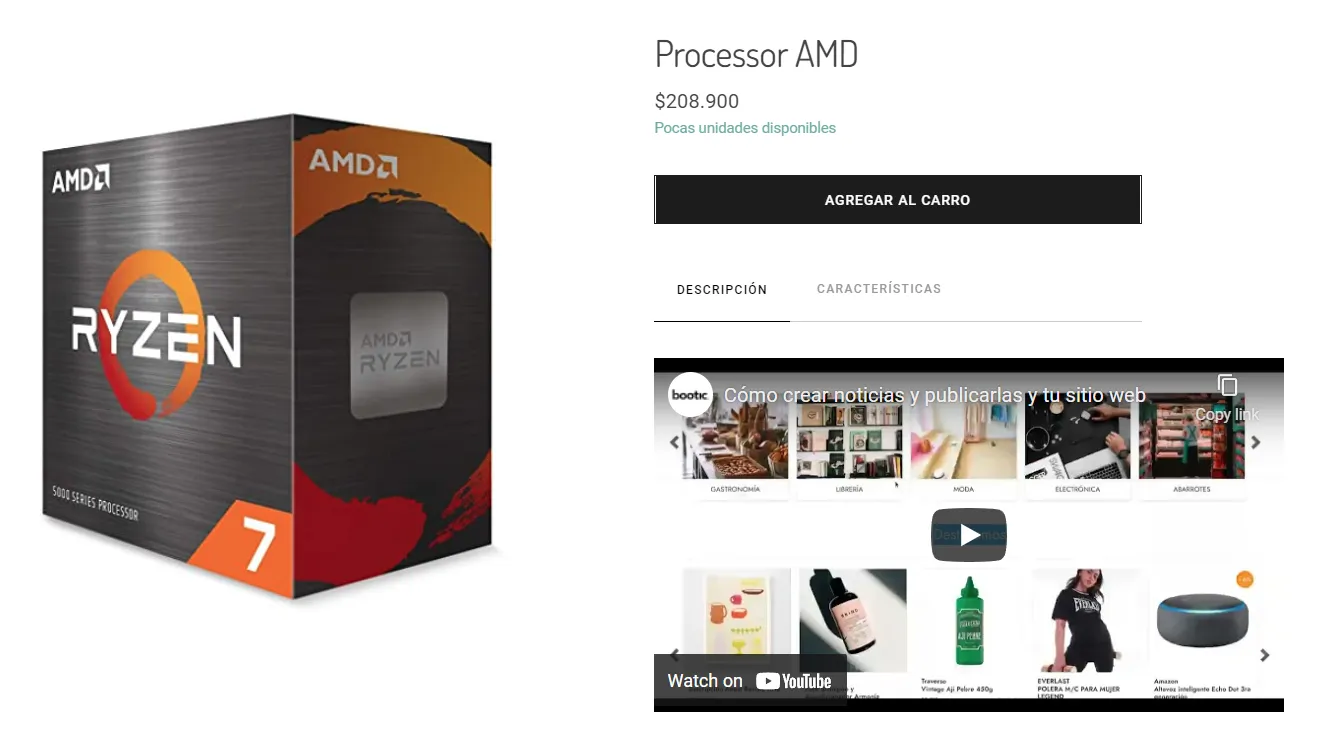
Example of a video as a product description.