

Pages and forms
Pages
In Bolder stores, a page is a section of fixed content, such as the “About” or “About us” section. They can also be used to include messages in different sections of the store, such as the returns information window on a product page:
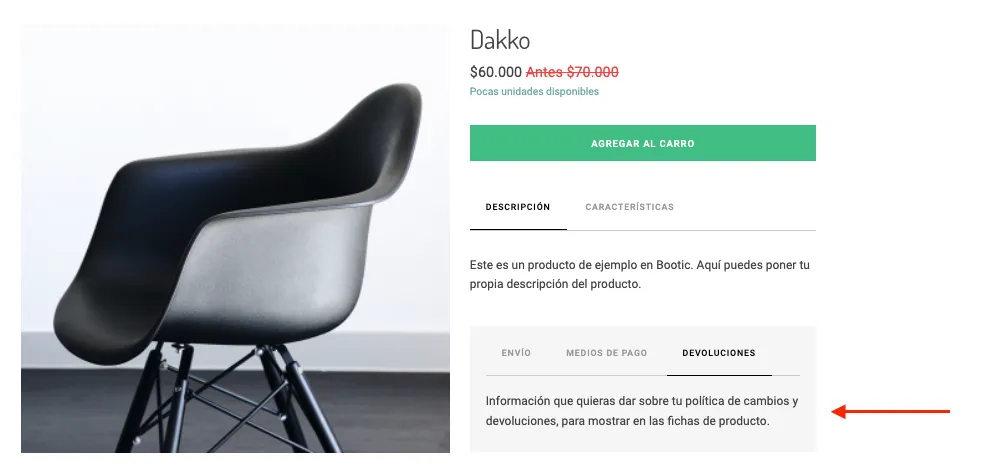
When you enter the Pages and forms section you will find the list of pages in use at the top, and the list of contact forms you created at the bottom. By pressing the Create new button you can choose which of the two you want to create (page or form) and give it a title. After it is created, the new page or form will appear in the list, and by pressing its name you can open the content editor.
Create a page
Here the editor works the same way as the one used to create posts, with the only difference that you can’t save a draft for review. After you save the new page, it is indexed right away so you can select it from the sections that allow linking, such as Navigation menus or Image galleries.
Forms
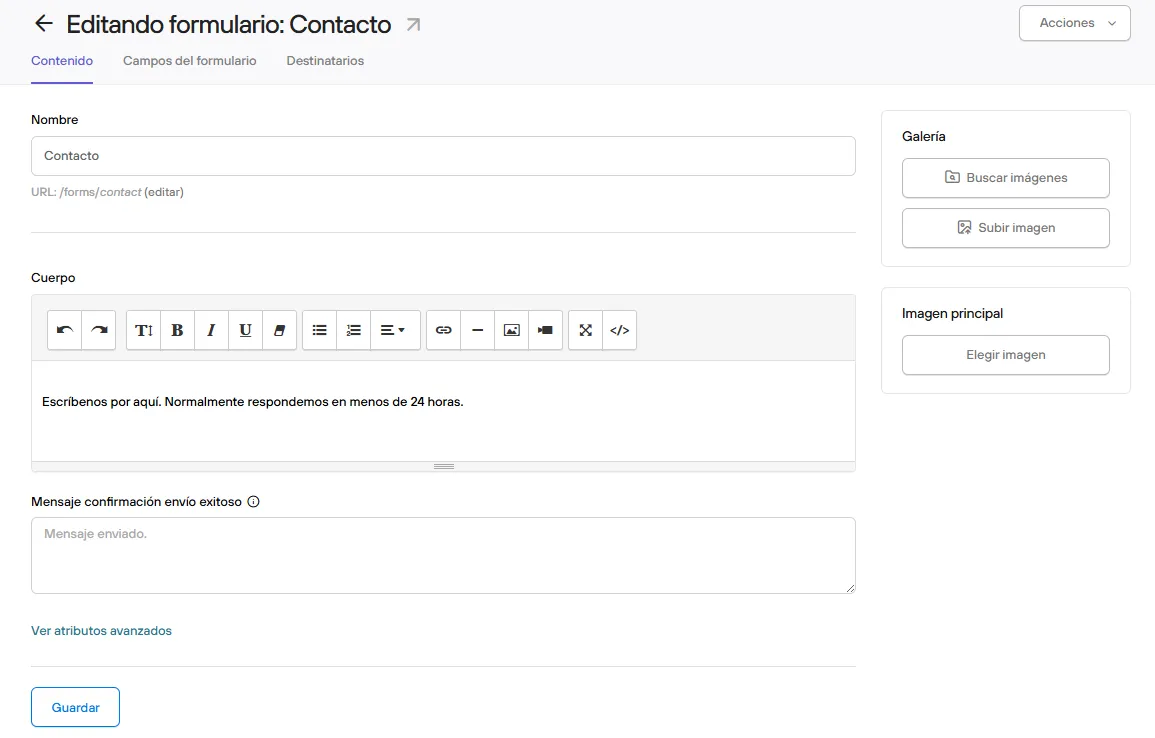
Create a form
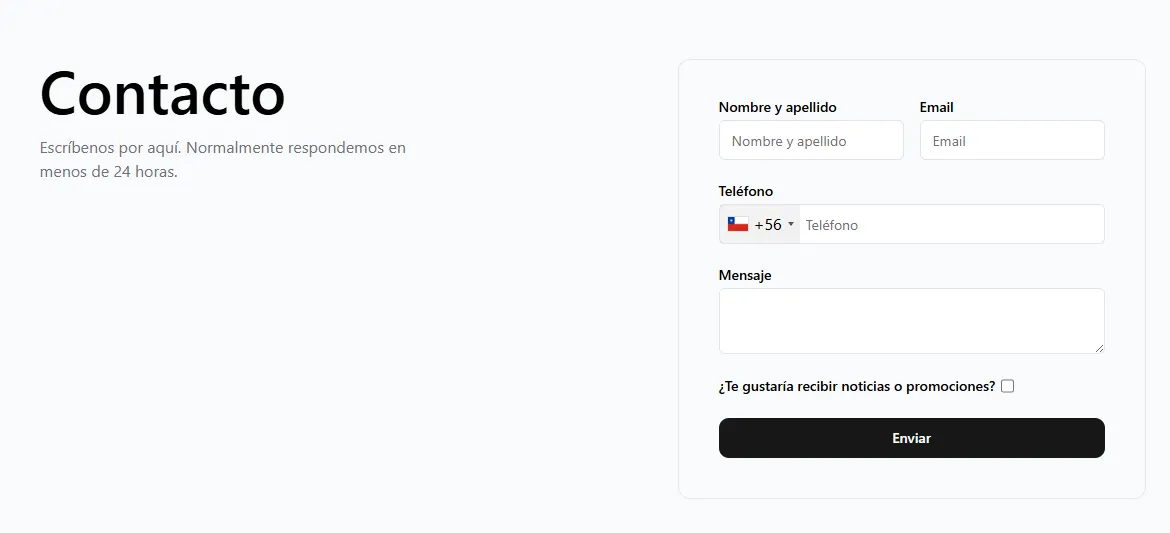
Here the editor works the same way, but you can also configure the fields that make up the form, defining whether they are required or not, as well as the recipients of the email with the response, who can be existing users or external recipients.
Like Pages, each form can be linked from the sections that allow linking, such as Navigation menus or Image galleries.
Go to the next article >