ActiveCampaign
ActiveCampaign is an automation platform that can help you win and retain customers through email marketing campaigns.
You must sign up for the service directly on its website. When you create your account you get a trial period, but to keep using the service you must subscribe to one of its plans.
General ActiveCampaign setup
Once your account is created on the platform, log in with the credentials assigned to you. In the manager, in the left side panel, you must fill in all your business information. This setup is required because it identifies your business and will be part of the future campaigns you run.
Connect Active Campaign with Bolder
Bolder stores the database of all your customers, and also identifies the users who agree to receive news and promotions.
When you use the existing integration, the users who have agreed to be part of this promotional list will be synced automatically in ActiveCampaign.
Steps to connect
-
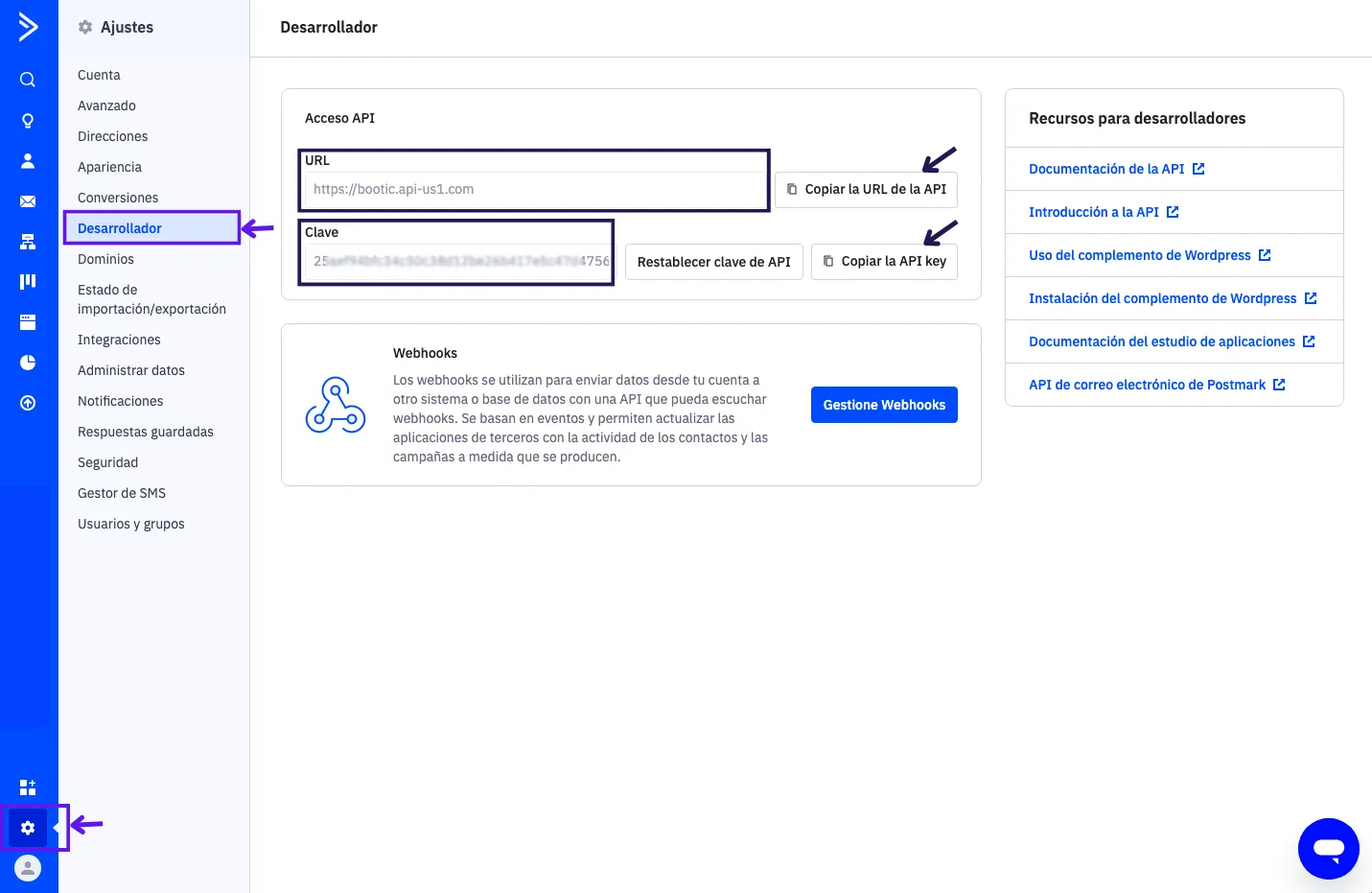
From the ActiveCampaign panel > Settings > Developer, you will find the credentials required to turn on the integration with your Bolder site.
You must copy the API URL, which corresponds to the
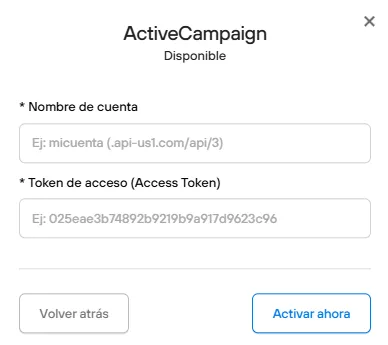
account name, and the API Key, which is theaccess tokenin the settings.
-
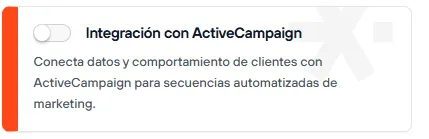
From the panel of your Bolder site, go to Addons and Integrations and look for ActiveCampaign. Once you turn it on, paste the details from the previous step into their respective fields.
When you turn on the “Sync new records” option, new users created in your store (who agree to be part of the promotional list) will be synced in real time.