

Add customers to Mailchimp from Bolder
In this article we will show you how to add the emails of customers who subscribe in your Bolder store and send them to your connected Mailchimp account.
Once you have connected your Mailchimp account to your Bolder site, you can do the first migration of your customer database to Mailchimp.
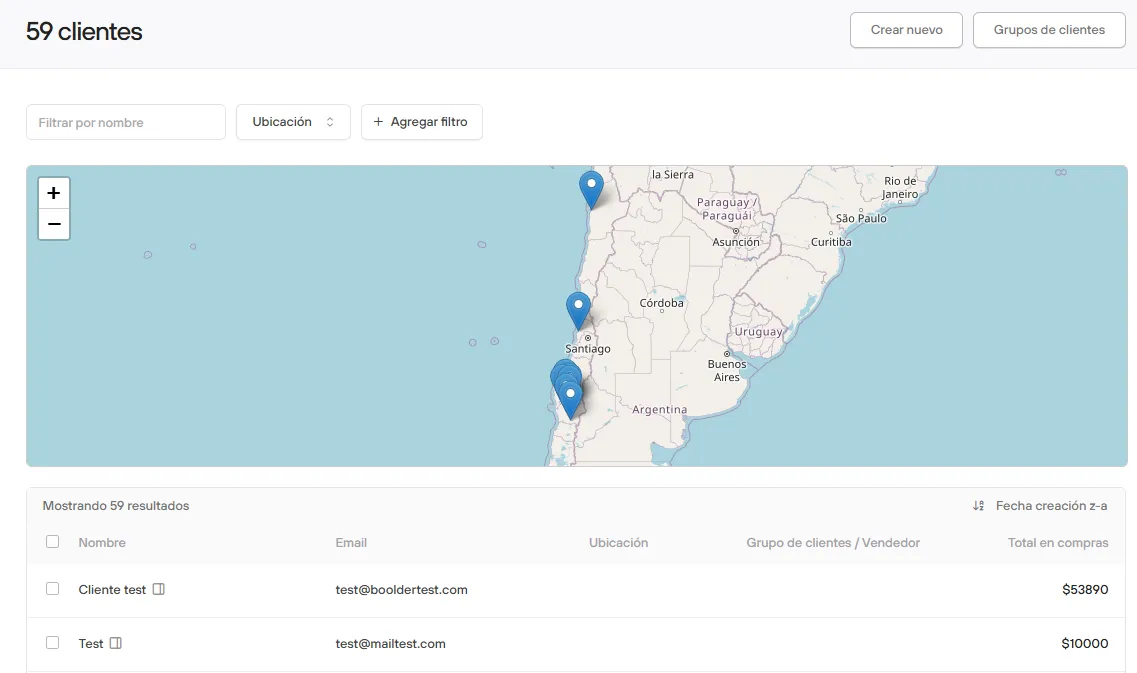
From the Bolder Admin Panel > go to Customers.
Here you will see the full list of all the customers who have registered on your site, whether to place an order or through a form.
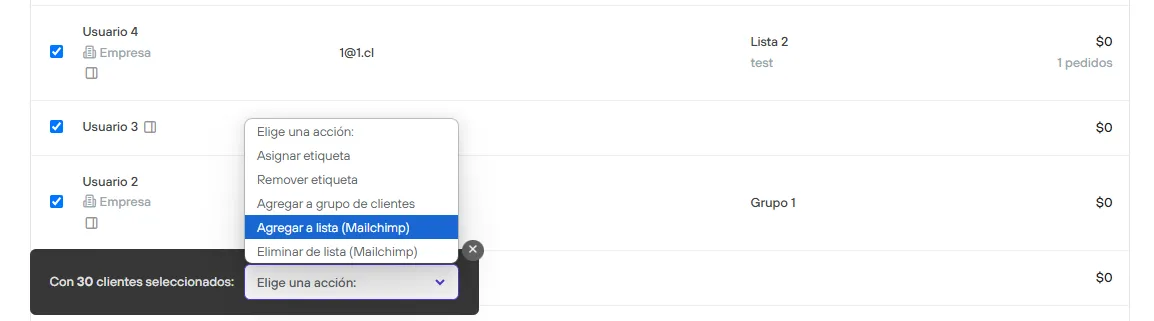
The next step is to select the customers, and a section to choose options will appear automatically. Select Add to List or Remove from List.
Then you can go to your Mailchimp account and check that the customers were added to the list.