Email marketing for promotional lists
Customer database in Bolder
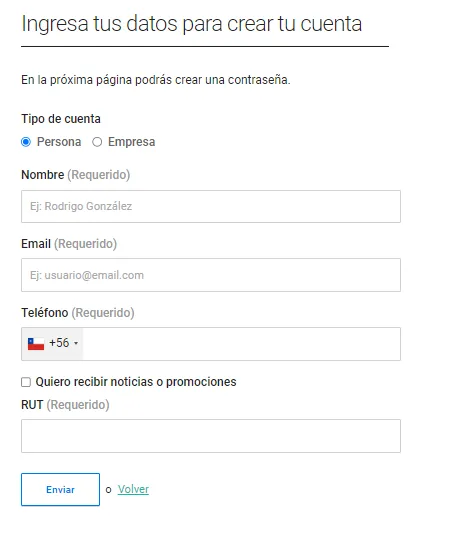
Bolder stores all the private data of your customers. In your admin panel, in the customers section, you can find the details of each one (name, email, shipping addresses, order numbers, among other data). This information is collected during the purchase process, or when the user signs up directly.
Even if you have a solid contact list, keep in mind that not everyone is willing to receive this kind of marketing campaign, so your site has a validation and direct subscription options.
Subscription at checkout
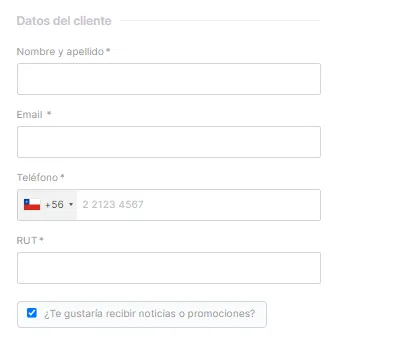
When a customer starts the checkout process to place a first order, their details are requested, and below that information there is a checkbox Would you like to receive news or promotions?. By checking it, the customer agrees to receive emails with promotional campaigns.
Subscription via form
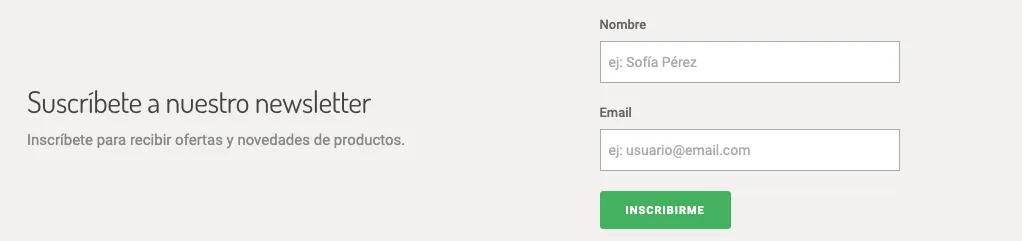
On your Bolder site you can set up subscription forms. When a user fills in their details, they are stored in your database, and if the customer’s record already exists, it is updated with the corresponding consent.
Checking subscription consent on your Bolder site
From the admin panel, in the customers section, you can check whether a user agreed to be part of your email marketing list.
-
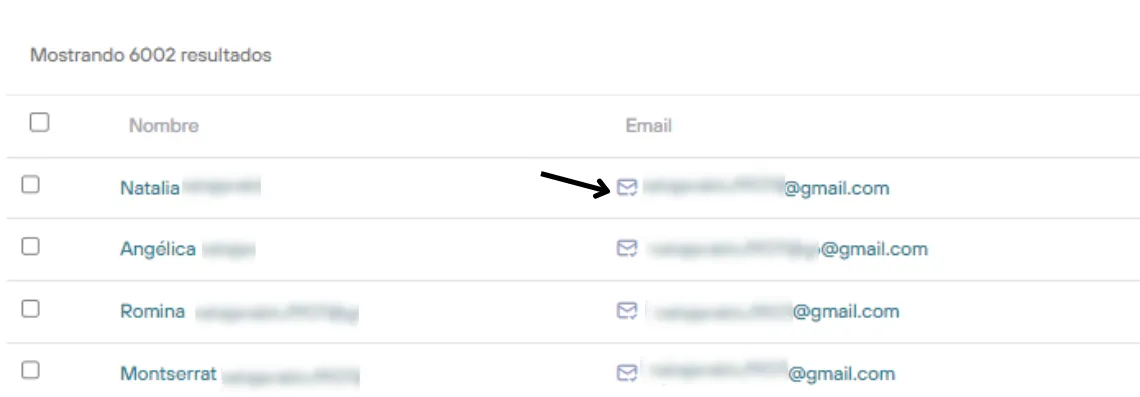
In the customer’s details, next to their name, the Email symbol ✓ should appear
(In the example image, the location symbol shows that the customer entered a shipping address, and to the right, before the email, is the check mark)
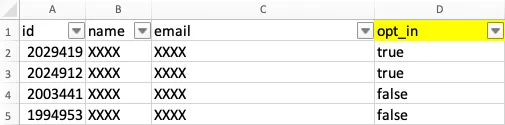
- When you download the customer export spreadsheet, in column D “opt_in”, users with the value “true” are the ones who have agreed to receive offers and news from your brand.