

Add attributes to products in bulk
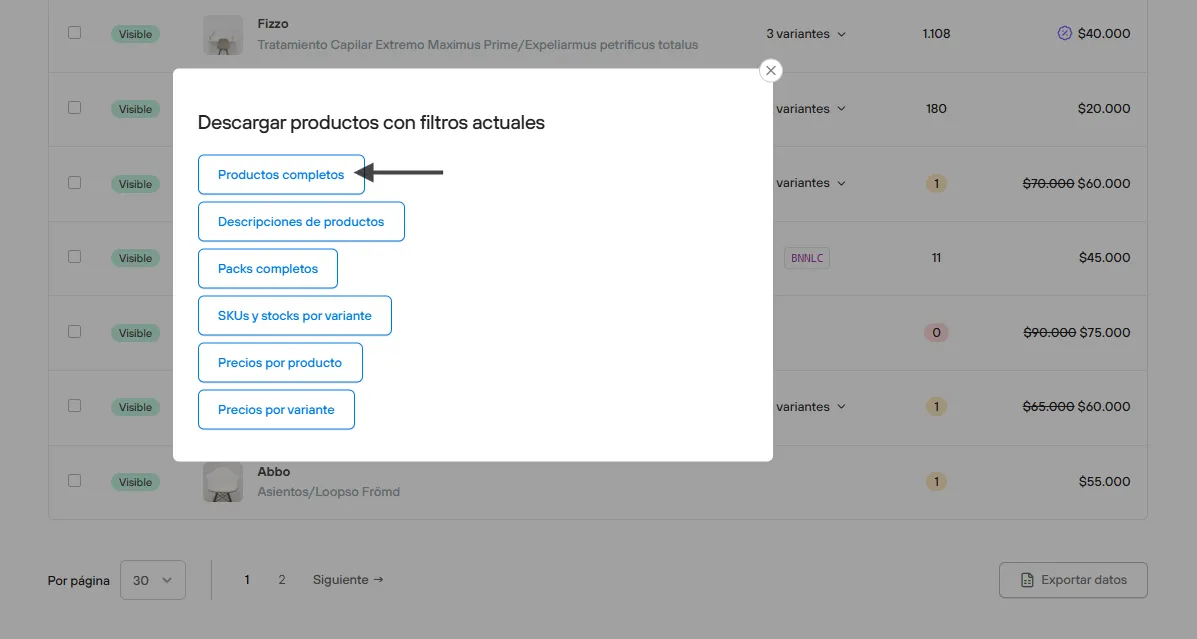
In this article you will find the information you need to add attributes, with their information, to the product page. For this we will work with the CSV template that you can download from Admin Panel > Products > Export product list > Full products
On the product page you can see an “Attributes” section, which you can add from the Admin Panel itself or from the CSV file you downloaded, just by adding a new column with the prefix attr: and the column name.
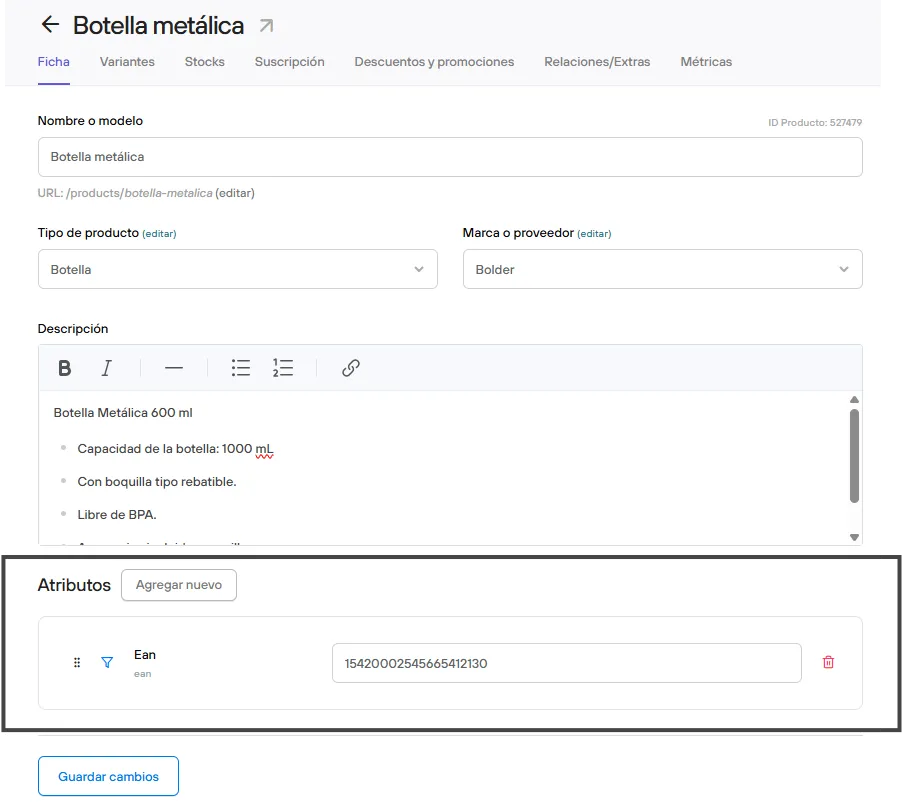

The advantage of using the CSV is that you can add, edit or delete attribute content in bulk without opening each product page in your Admin Panel.
When the CSV has all the information, all you have to do is import the file in Admin Panel > Products by selecting Import spreadsheet > Import products with variants.