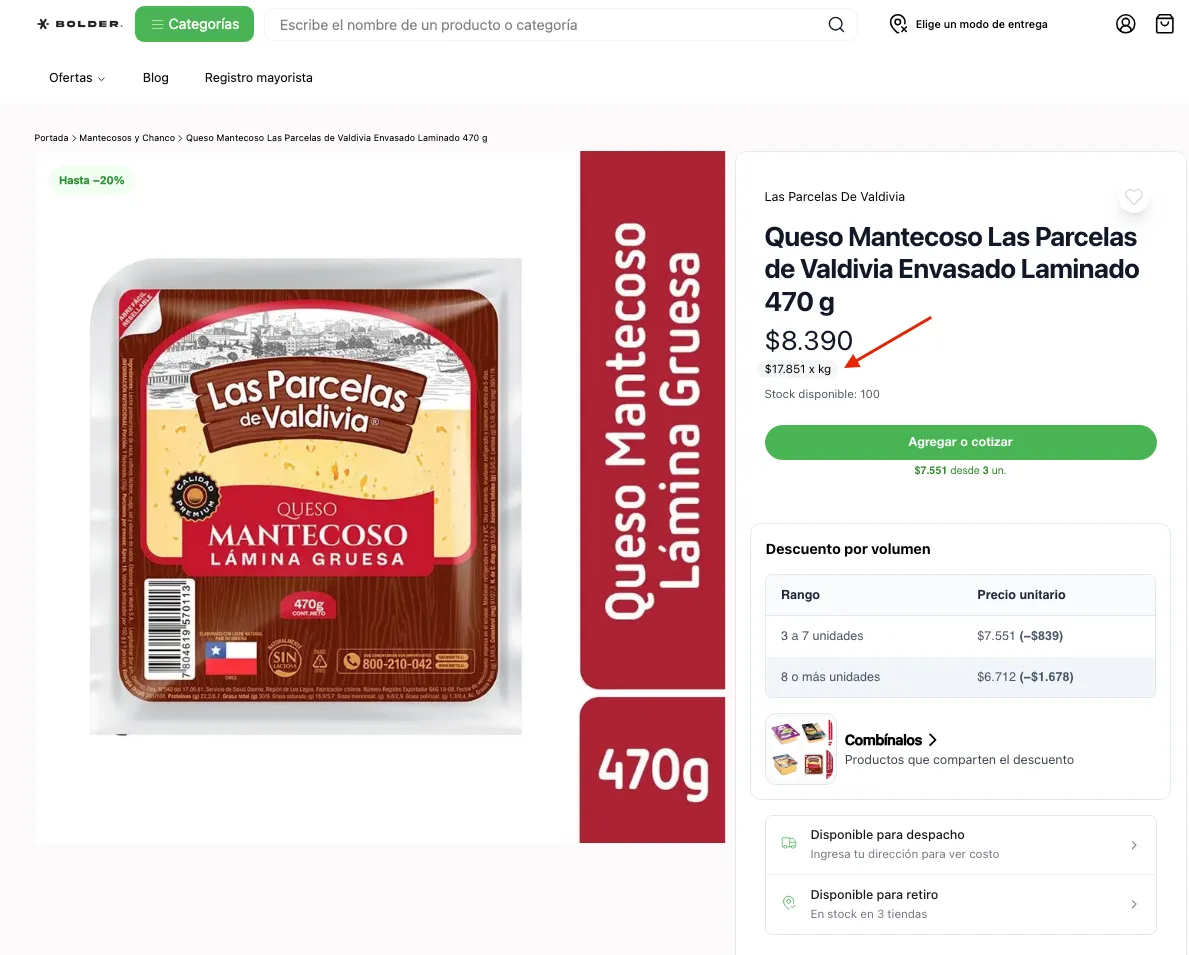
Price per unit of measure
A native Bolder feature that lets you assign a price per unit of measure (PPUM) to products, so you can comply properly with current Chilean regulations or improve the information about your products.
Activation and setup
From the admin panel, go to Addons and Integrations, and activate
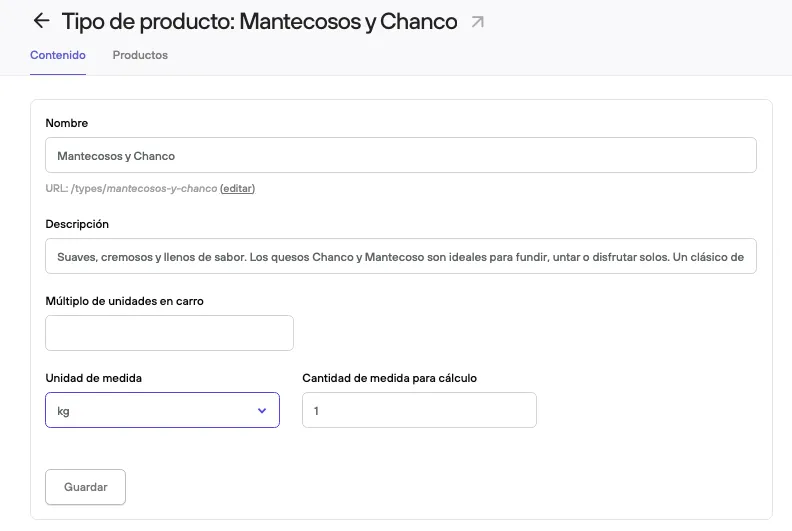
Once the component is active, you need to define the information for calculating PPUM in the Product types:
-
Unit of measure: Format for the comparison: gr, kg, lt, ml, ln, oz, un, m, m2, cm, cm2.
-
Measure quantity for calculation: the quantity the price per unit of measure is calculated on (for example, “per 100 g” or “per liter”).
Calculating the Price per Unit of Measure (PPUM)
PPUM = (Total price / Total quantity) × Reference quantity
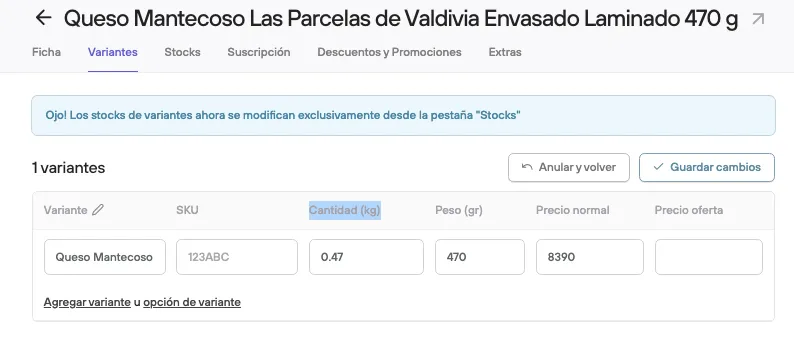
Once the type is set up, the product gets a new field cantidad in its variants table, where you define the product’s quantity or content.
The product’s PPUM is calculated from this value
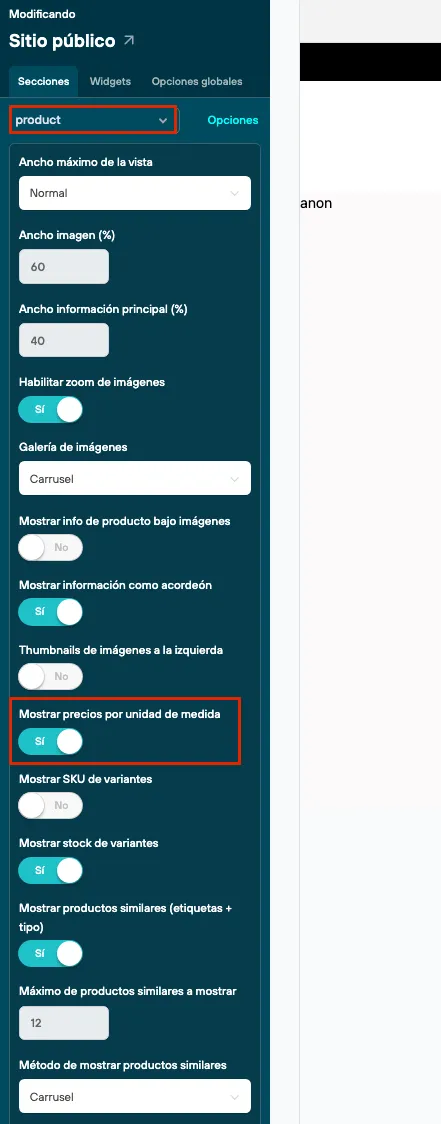
For this information to be visible, go to the Design editor > Customize current design > in the products view, and activate Mostrar precios por unidad de medida