

Featured description
A feature that lets you add a short, persuasive text, ideal for highlighting key benefits, standout attributes or encouraging purchase with a direct message.
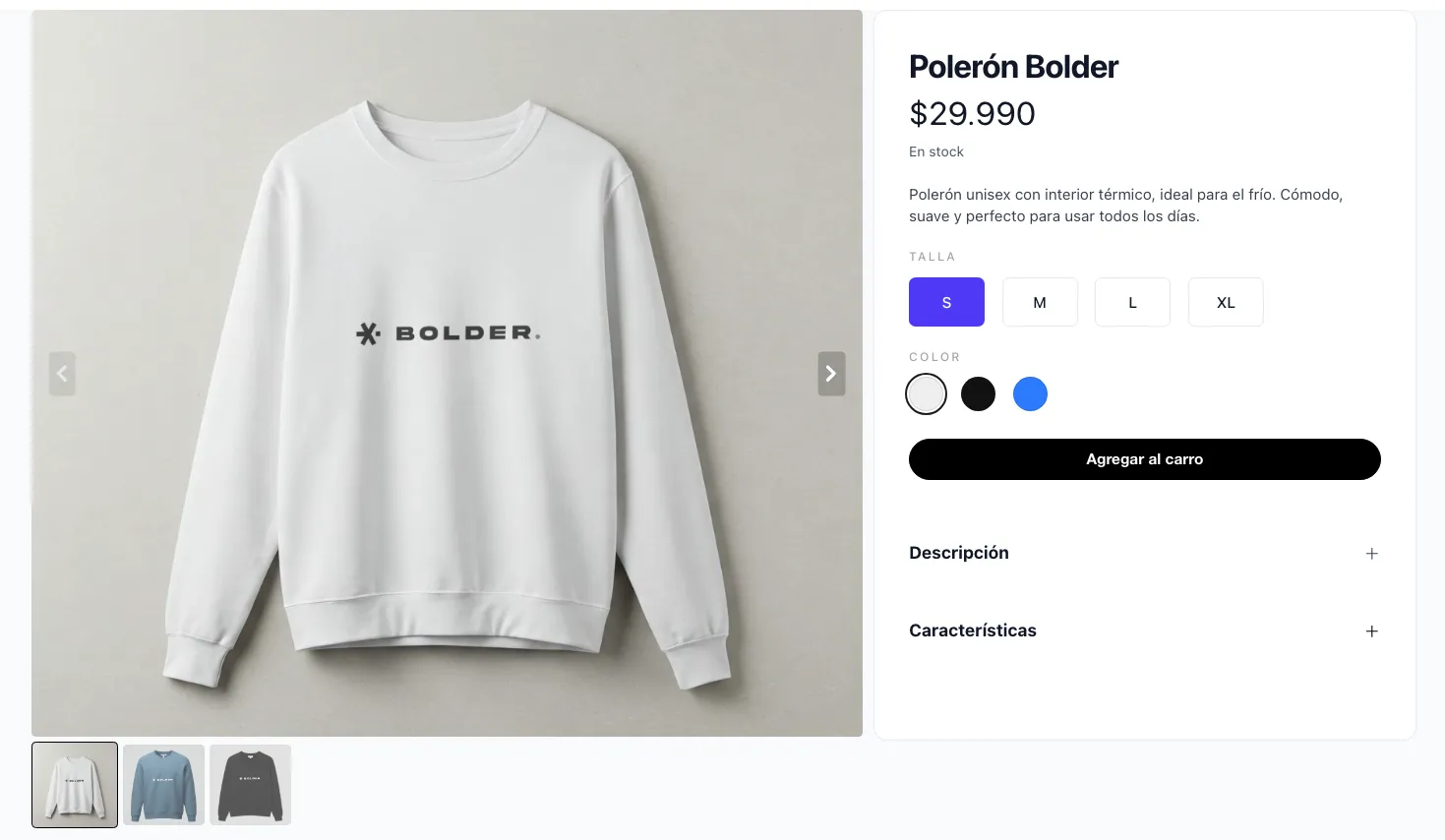
It allows up to 255 characters, and this information is shown on the product page, before the “Add to cart” button and above the product variant information, if there is more than one.
Setup
From the admin panel, go to Preferences > General options > and finally, under Advanced product options, you must enable featured description.
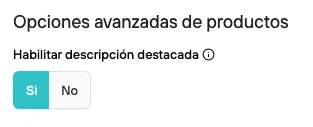
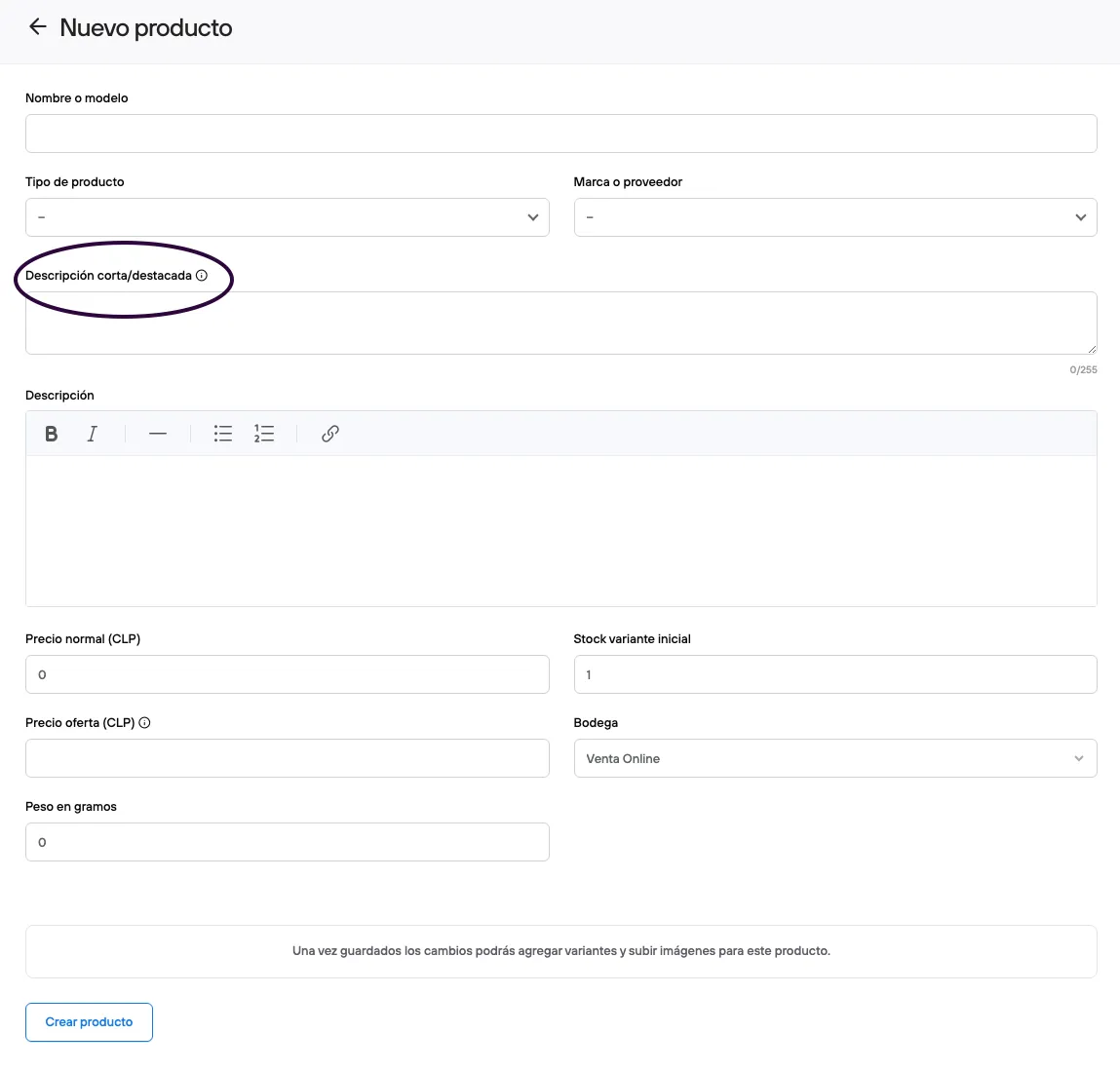
Once this feature is enabled, both new and existing products will have this new field, which you can fill in optionally.
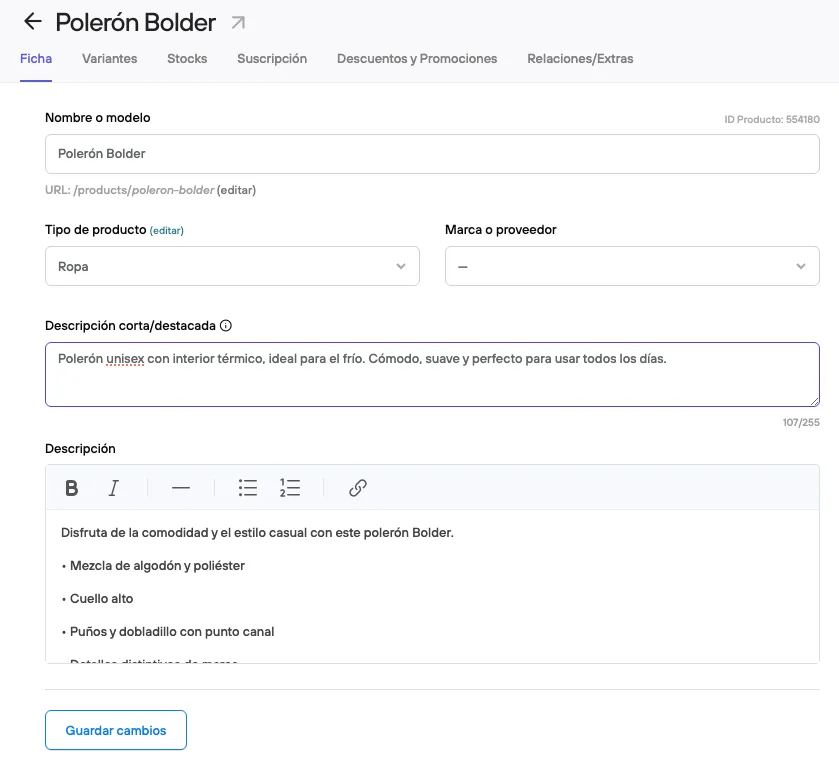
For example, the product “Bolder Hoodie” uses its benefit as the featured description, instead of repeating the product name. “Unisex hoodie with a thermal lining, ideal for the cold. Comfortable, soft and perfect for everyday wear.”
Bulk changes
To add the featured description to your products in bulk, you can use a CSV file with the columns id and short_description.

Feed and SEO changes
When you enable the featured description, your automatic product feed will take this description as part of the information it loads, making sure it also stands out in other sales channels or automated marketing campaigns.
- If the product has both descriptions, the short description will be linked as the main one.
- If the product has no featured description (with the feature enabled), the full description will be kept in the feed.
From an SEO point of view, the full product description is still the most relevant. That is the space where you can work in more depth on keywords, semantic content, structure and other elements that search engines consider to index your product correctly.
The featured description, on the other hand, has a more direct impact on conversion than on SEO. Because it is a short text meant to be shown before the “Add to cart” button, its main role is to capture the user’s attention, highlight what matters most and persuade them to move forward with the purchase.