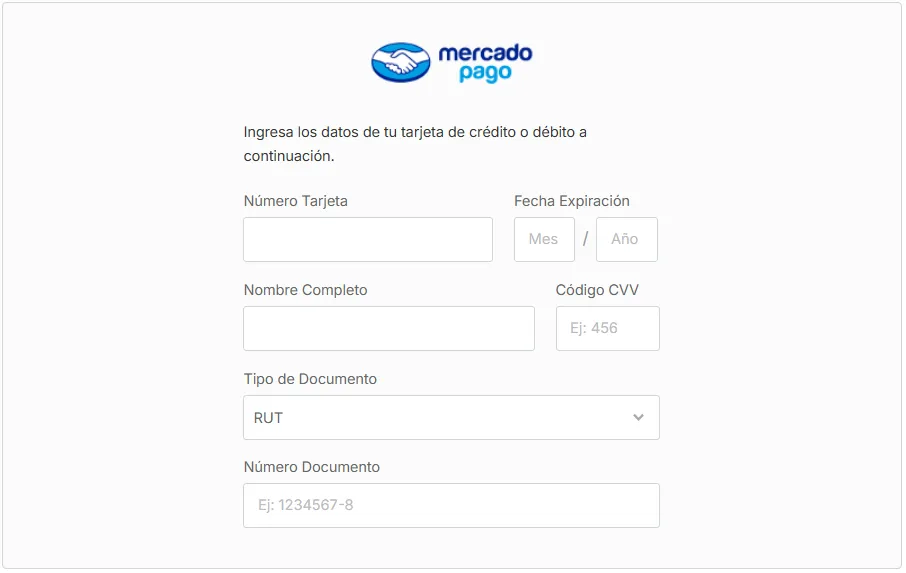
Enable Mercado Pago as a payment method
Mercado Pago is a payments platform developed by Mercado Libre. It lets your customers pay for their orders quickly and securely, for a smooth shopping experience.
In Bolder there are two ways to work with Mercado Pago:
-
Traditional Mercado Pago: At checkout, the customer enters their card details and can create a password to be remembered. It does not offer pre-saved cards or payment methods.
-
Mercado Pago Redirect: At checkout, your customers are redirected to the Mercado Pago app to finish their payment, using their saved credentials. See how to enable it here
Traditional Mercado Pago: Steps to integrate it in Bolder
Here are the steps to follow to set up this payment method.
Step 1: Create a Mercado Pago account
Go to the Mercado Pago website and sign up.
Step 2: Select a seller account
Once you log in to your new Mercado Pago account, it will ask you which type of account you want to use. Click “Permanent seller account”.
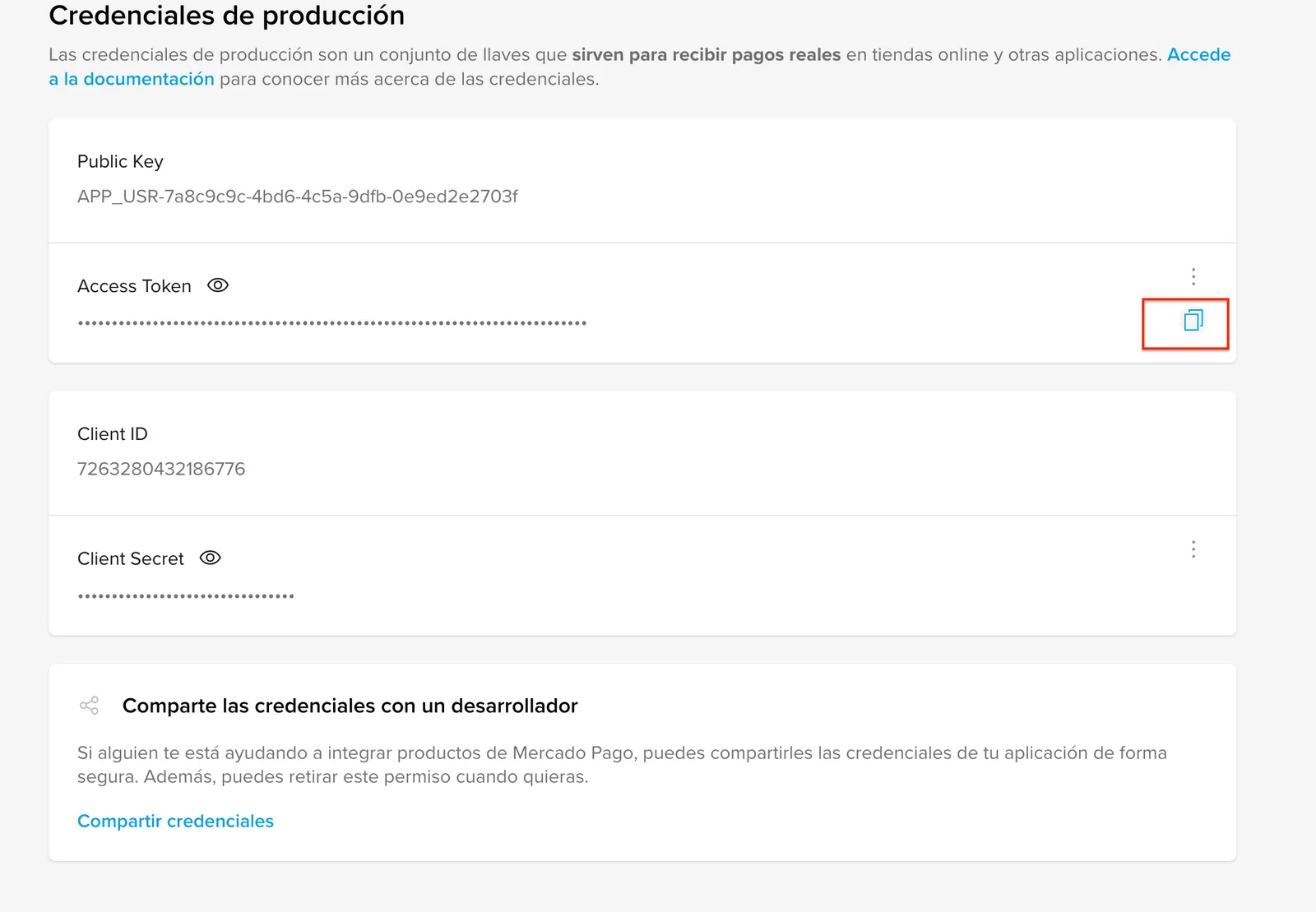
Step 3: API credentials
Once the account is created, to get the API credentials, follow the steps described in the Mercado Pago documentation.
Turn on Mercado Pago in your Bolder store
With the information from the previous step, log in to your Bolder admin panel and go to Preferences > Purchase options > Payment methods.
In the payment method selector choose MercadoPago
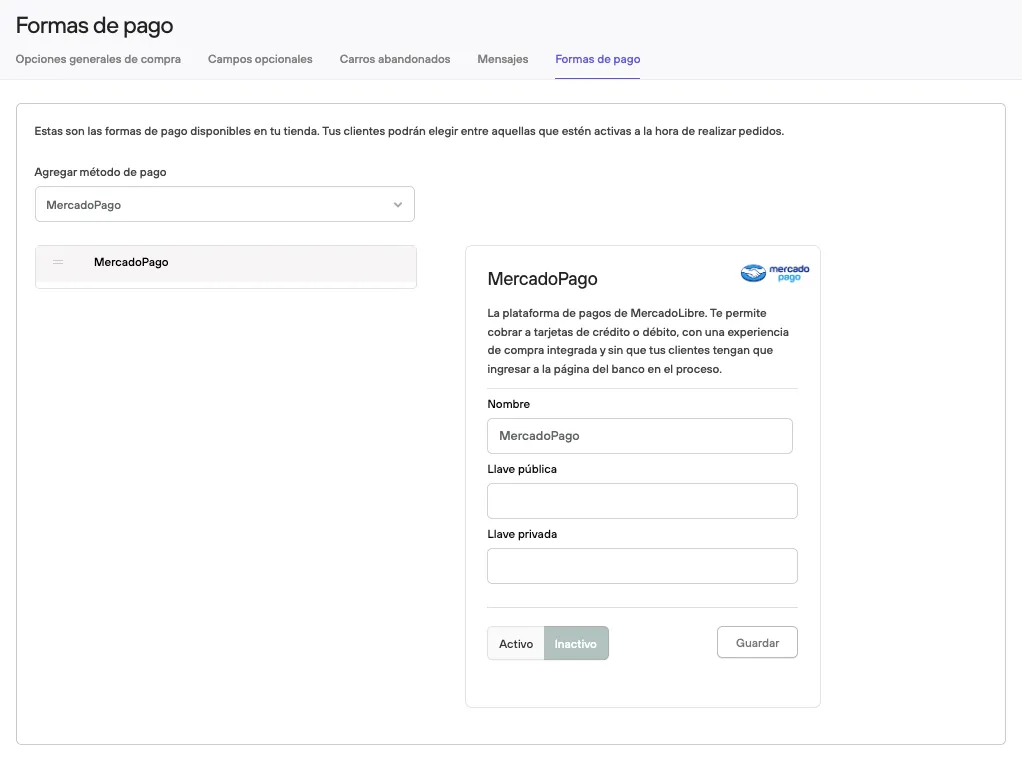
The Public key and Access token values are the information you must copy into your Bolder control panel for the MercadoPago payment method, into Llave pública and Llave privada respectively.
Press Active, then Save, and the payment method will be ready to operate in your store.